Editing - Whats Next
By Bev Anne Moynham
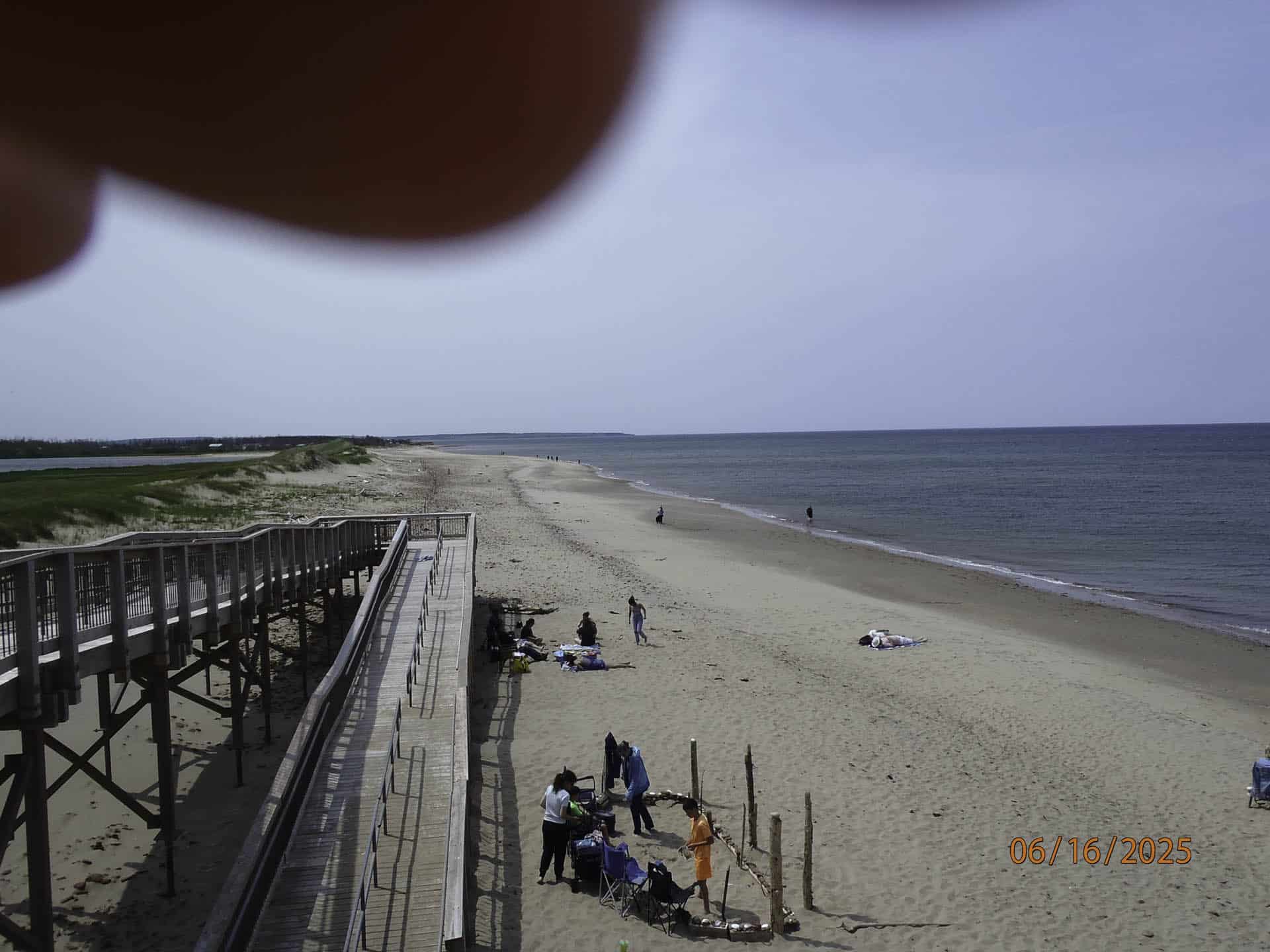
Once you have learned how to use your camera you may notice that some of your pictures are not exactly how you envisioned them. Maybe the horizon is not straight, there are too many distractions (extraneous people, signs or even litter on the ground) or, as in the example above, you have included your fingers in the photo. Maybe the colours aren’t as vibrant as you remember them or the exposure isn’t quite right. That’s where editing comes in. The most popular editing tools are Photoshop and Lightroom by Adobe. These are complicated programs and you will need help learning to navigate them. There are two sources for learning to use these tools that I recommend.
The first one is PHLEARN https://phlearn.com/tutorials-free-page/ where they offer lots of free easy to follow tutorials on both Photoshop and Lightroom plus more advanced tutorials for a fee. I recommend the free 30 Days of Photoshop to get you started.
Another resource is Juliane Kost who is described as the Digital Imaging Evangelist Director at Adobe, responsible for fostering relationships with customers through meaningful and inspirational Photoshop and Lightroom instruction.
Julianne is an excellent teacher and can be found on Adobe’s YouTube channel, her own website https://jkost.com/blog/, and many other places on the Internet.
There are also many other teachers on the Internet and a quick search about a specific skill you want to learn will turn up a list to choose from — some of these people will resonate with you and some will not.
Then, of course are the critique and editing nights that are offered right here on this website by CAPA. To find out about these interactive sessions where you can learn from our experienced teachers go to:
https://capastaging.thedev.ca/image-editing-nights/
and
https://capastaging.thedev.ca/news-from-image-critique-nights/
As you can see there are many opportunities for more education all over the Internet and you don’t even have to leave home to learn.
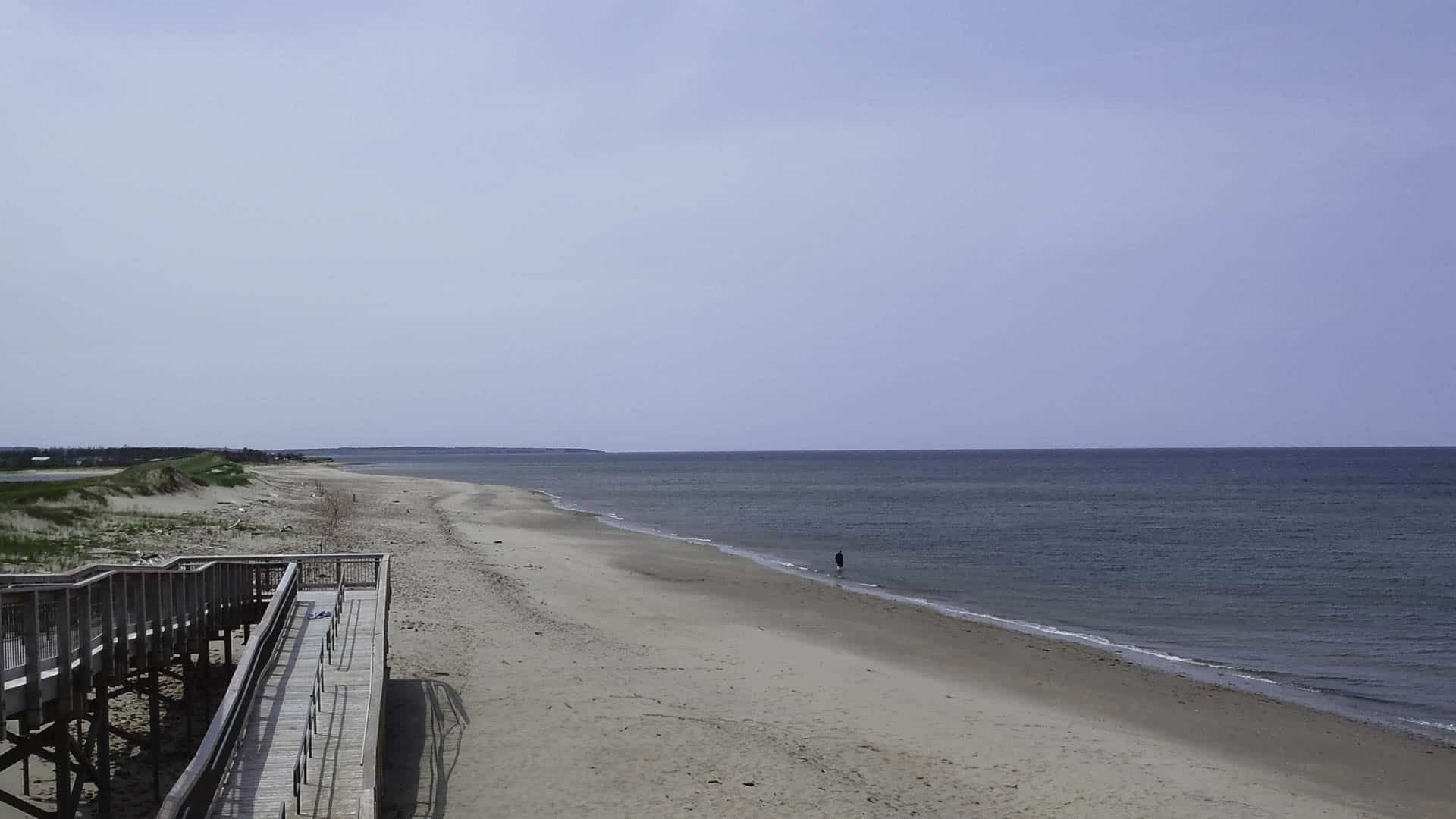
P.S. — This is what I did with the above photo.
*All images courtesy of Bev Anne Moynham